
Windows
Windows 11 NVMe Driver Missing? Fix Setup No Drives Found
Windows 11 Setup not showing your NVMe SSD? Learn how to fix no drives found by loading Intel RST/VMD drivers, changing BIOS settings, or recreating the USB installer.
Welcome to NexyFix
Safe Windows repair guides, PC and laptop troubleshooting, gaming FPS tools, and phone charging fixes written for beginners.
Free tools
Real tools that help you check, estimate and optimize your PC.
Estimated FPS Range
75 - 120 FPS
at 1080p High Settings
FPS Range Trend
This is an estimate, not a benchmark. Real FPS depends on drivers, game updates, cooling, RAM speed, background apps, map/scene and graphics settings.
Step-by-step fixes that actually work
View GuideFix battery, adapter and charging issues
View GuideFix all common update problems
View GuideFast ways to get your internet back
View GuideFix black screen on startup or random
View GuideFix BIOS, drives, and detection issues
View GuideJoin readers who get helpful PC tips and fixes.
Troubleshooting funnel
Choose the device, match the visible symptom, then open the safest guide or tool. No fake repair apps, no shopping detours, and no risky reset-first flow.
1. Choose device
2. Pick problem
3. Recommended path
High-intent repair paths
These are direct, symptom-first pages for Windows setup, Windows Update, no display, charging, WiFi, and recovery problems. They keep the main answer close to the top and link to the next safest repair path.
Featured troubleshooting
Large visual walkthroughs for the problems readers most often need to solve safely.
Windows 11 Setup not showing your NVMe SSD? Learn how to fix no drives found by loading Intel RST/VMD drivers, changing BIOS settings, or recreating the USB installer.

Fix Windows Update error 0x80070005 access denied with safe steps for permissions, update cache, SFC, DISM, and when to stop before risky resets.

Fix a PC that turns on but has no display with monitor, HDMI/DisplayPort, GPU port, RAM, debug-light, and safe stop checks.

Fix a laptop not charging when plugged in with outlet, charger, USB-C, battery, HP/Dell/Lenovo clues, and safety checks.
Coverage desks
Jump into the section that matches your device or system. Each desk groups practical fixes, quick checklists, and deeper guided repairs.
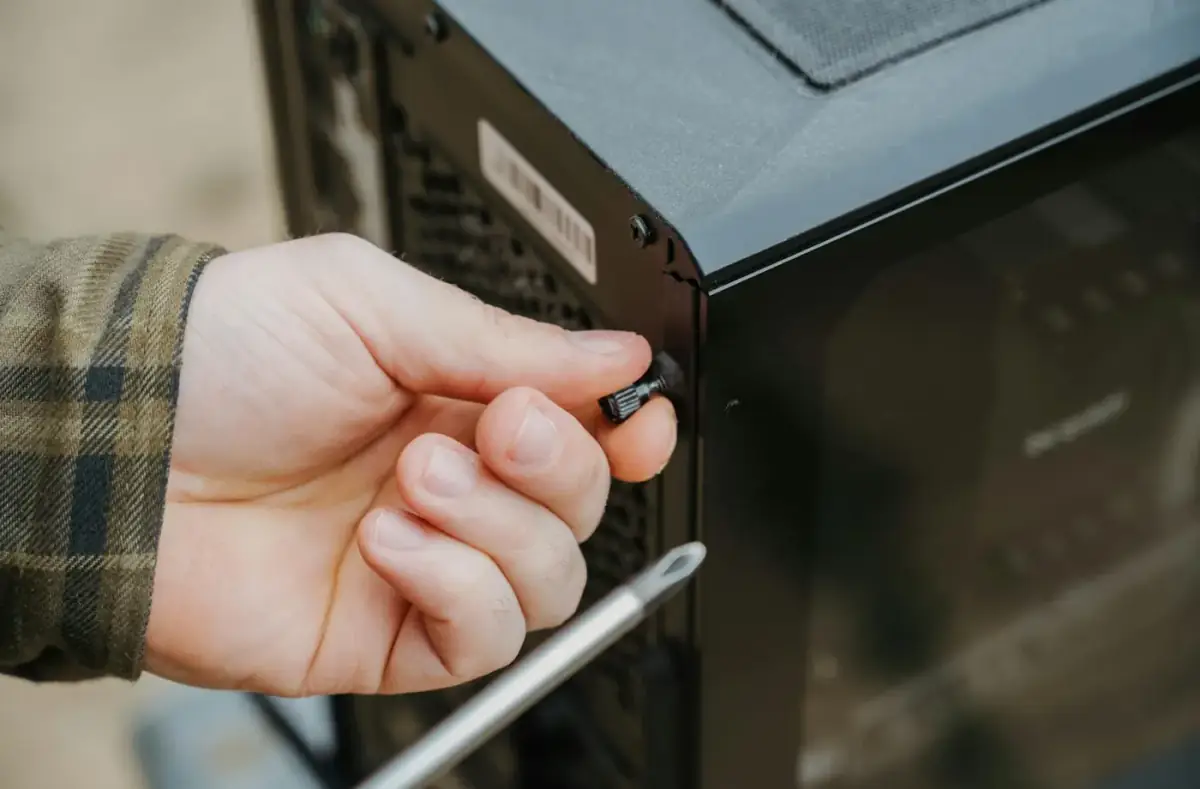
Hardware
Power, no display, RAM, GPU, SSD/NVMe, overheating, USB ports, PSU, and motherboard checks.
Explore repairs for PC Desktop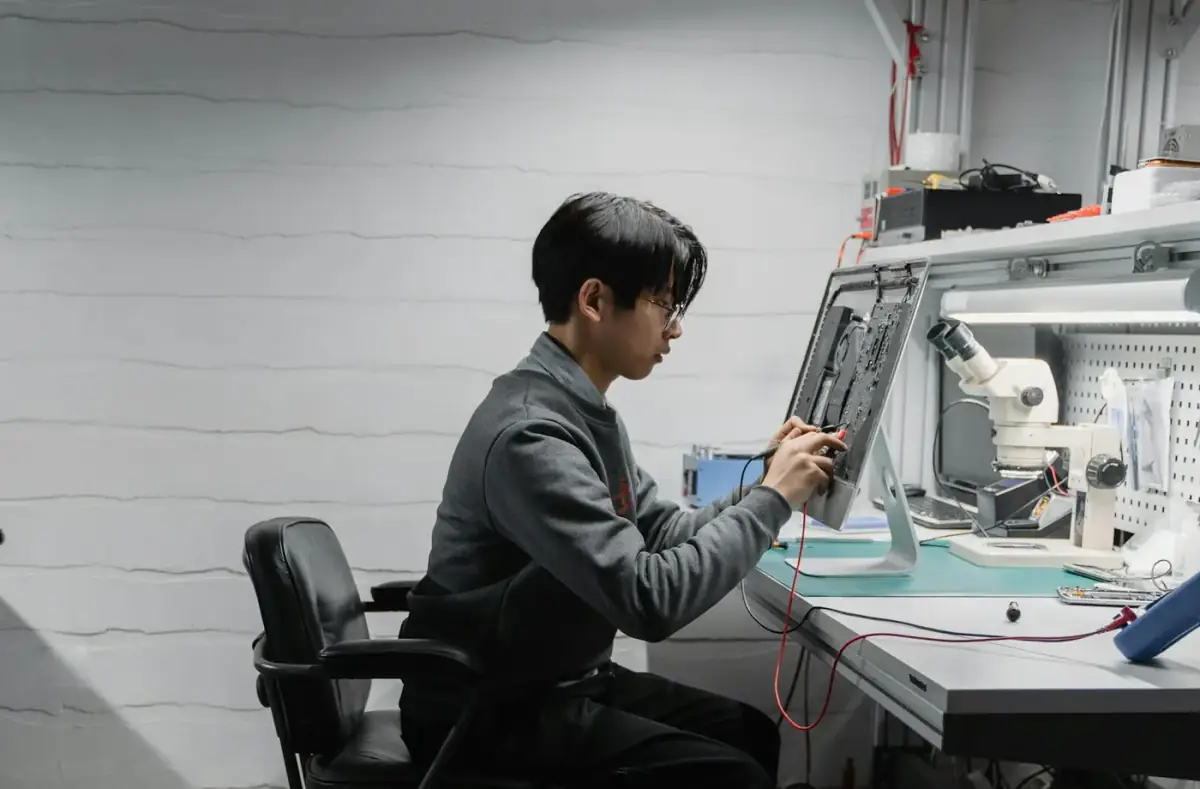
Performance
Low FPS, stutter, input lag, game crashes, DirectX errors, GPU drivers, overlays, and temperature checks.
Explore repairs for PC Gamer
Repair
Update errors, boot problems, drivers, sound, WiFi, Bluetooth, setup, Safe Mode, and recovery.
Explore repairs for Windows
Portable PCs
No power, black screen, charging, battery drain, overheating, loud fans, keyboard, touchpad, SSD, and RAM help.
Explore repairs for Laptop
Mobile
Storage full, Play Store downloads, Bluetooth pairing, WiFi, updates, overheating, mobile data, backups, and factory reset safety.
Explore repairs for Android
Mobile
Storage full, charging, battery drain, iOS updates, stuck logo, AirPods, iCloud backup, WiFi, and transfer help.
Explore repairs for iPhoneTools
Plain-English explanations and safe first checks for Windows, boot, driver, blue screen, runtime, network, and storage errors.
Explore repairs for Error CodesInstallation and boot help
Prepare the installer, understand boot mode, and avoid risky storage changes before you click through setup.
Windows 11 install stuck at 46%? Check time, power, drive activity, internet, and restart risk before forcing setup off.
Read safe repair guideInstallationInstall Windows 11 from a USB installer with clear backup, boot menu, drive selection, and stop-point guidance.
Read safe repair guideWindowsWindows 11 Setup not showing your NVMe SSD? Learn how to fix no drives found by loading Intel RST/VMD drivers, changing BIOS settings, or recreating the USB installer.
Read safe repair guidePopular Windows fixes
Common Windows problems organized around symptoms, safe quick checks, and deeper fixes only when needed.
A safe path for Windows Update that starts with restart, storage, network, and built-in settings checks before deeper repair commands.
Read safe repair guideError CodesFix Windows Update error 0x80070005 access denied with safe steps for permissions, update cache, SFC, DISM, and when to stop before risky resets.
Read safe repair guideError CodesFix Windows Update error 0x800f081f with Windows Update, component-store, DISM/SFC meaning, storage, and repair-source checks.
Read safe repair guideError CodesFix Windows Update error 0x80073712 with restart, storage, troubleshooter, component-store checks, and safe recovery steps.
Read safe repair guideGaming optimization
FPS, frame pacing, crashes, Steam launch problems, GPU drivers, and heat fixes with reversible steps.
GTA 6 PC requirements are not official yet. See expected minimum and recommended specs, FPS targets, GPU advice, RAM, SSD, and upgrade tips.
Read safe repair guideGaming PCImprove FPS on a low-end PC with reversible graphics, startup, driver, storage, and heat checks instead of risky registry tricks.
Read safe repair guidePC GamerBefore disabling Windows 11 VBS for gaming, check FPS, drivers, thermals, refresh rate, Game Mode, and security tradeoffs.
Read safe repair guideError code library
Short plain-English previews for update, boot, storage, and driver errors.
Trust and safety
NexyFix is a practical tech help site. We explain fixes, avoid miracle-tool claims, and call out when hardware symptoms need professional help.
We start with safe built-in fixes before resets, reinstalls, or firmware changes.
We do not ask readers to download random repair, driver, or optimizer tools.
We call out when to stop and ask a technician, especially around heat, batteries, storage noises, and liquid damage.
We use official support sources for technical grounding and rewrite guidance in original beginner-friendly words.
A weekly digest of safe fixes, beginner notes, and practical tech explanations for people who keep devices running.